AI Voice Generator User Guide
Please download, install, and run the AI Voice Generator software on your computer.
Step 1: Select Voice generation method
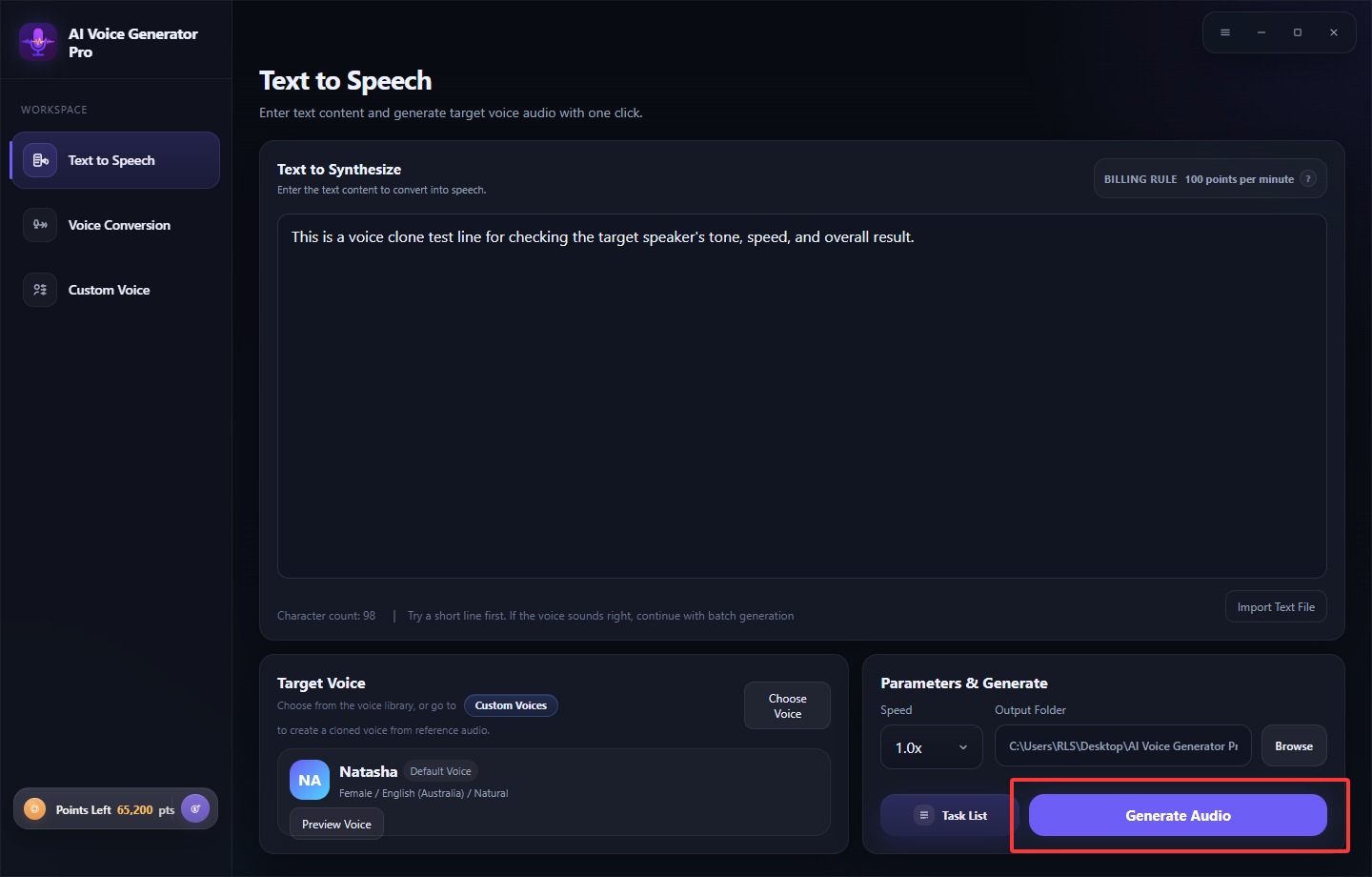
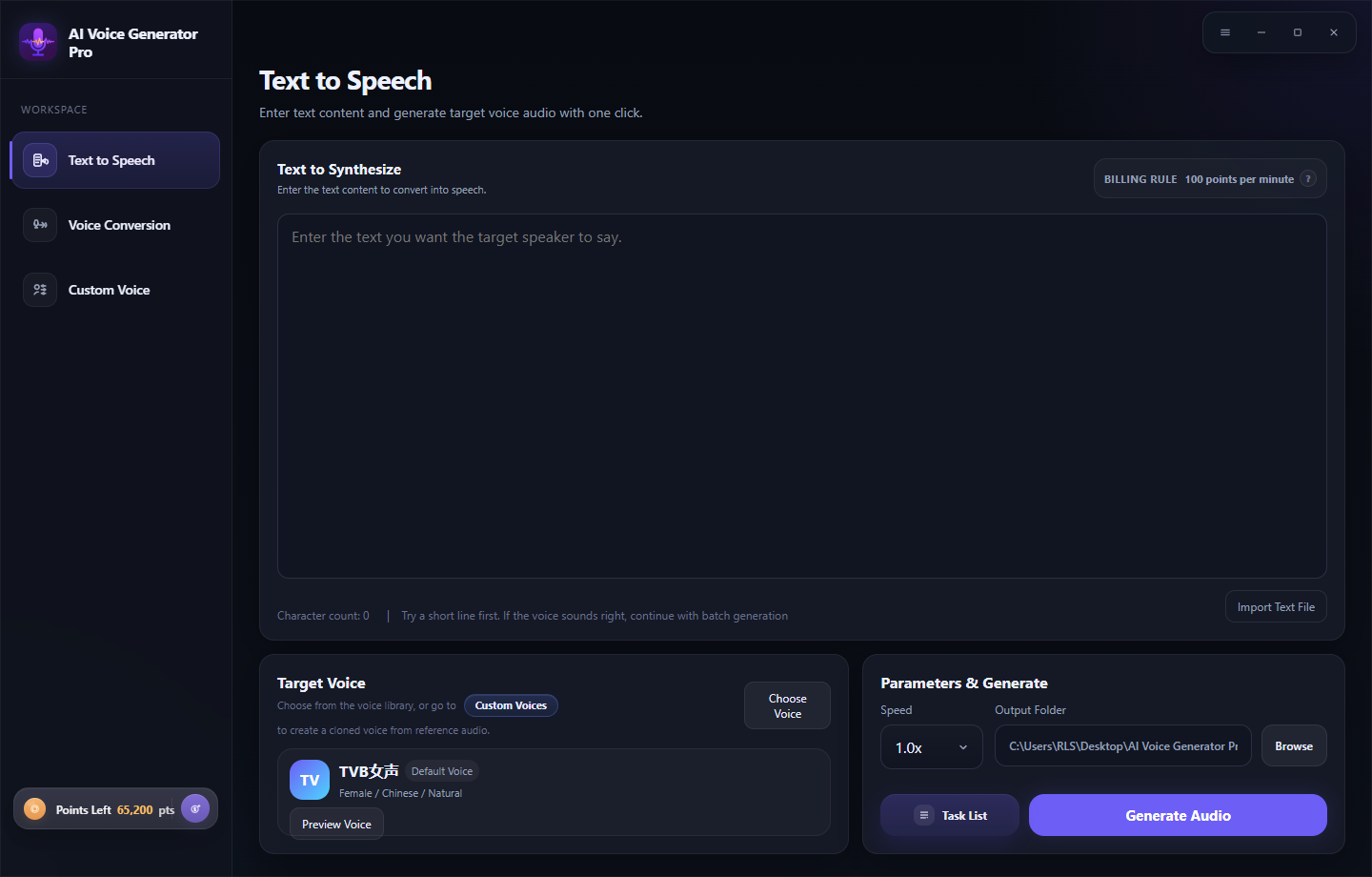
Text to Speech
Enter text content and generate target voice audio with one click.
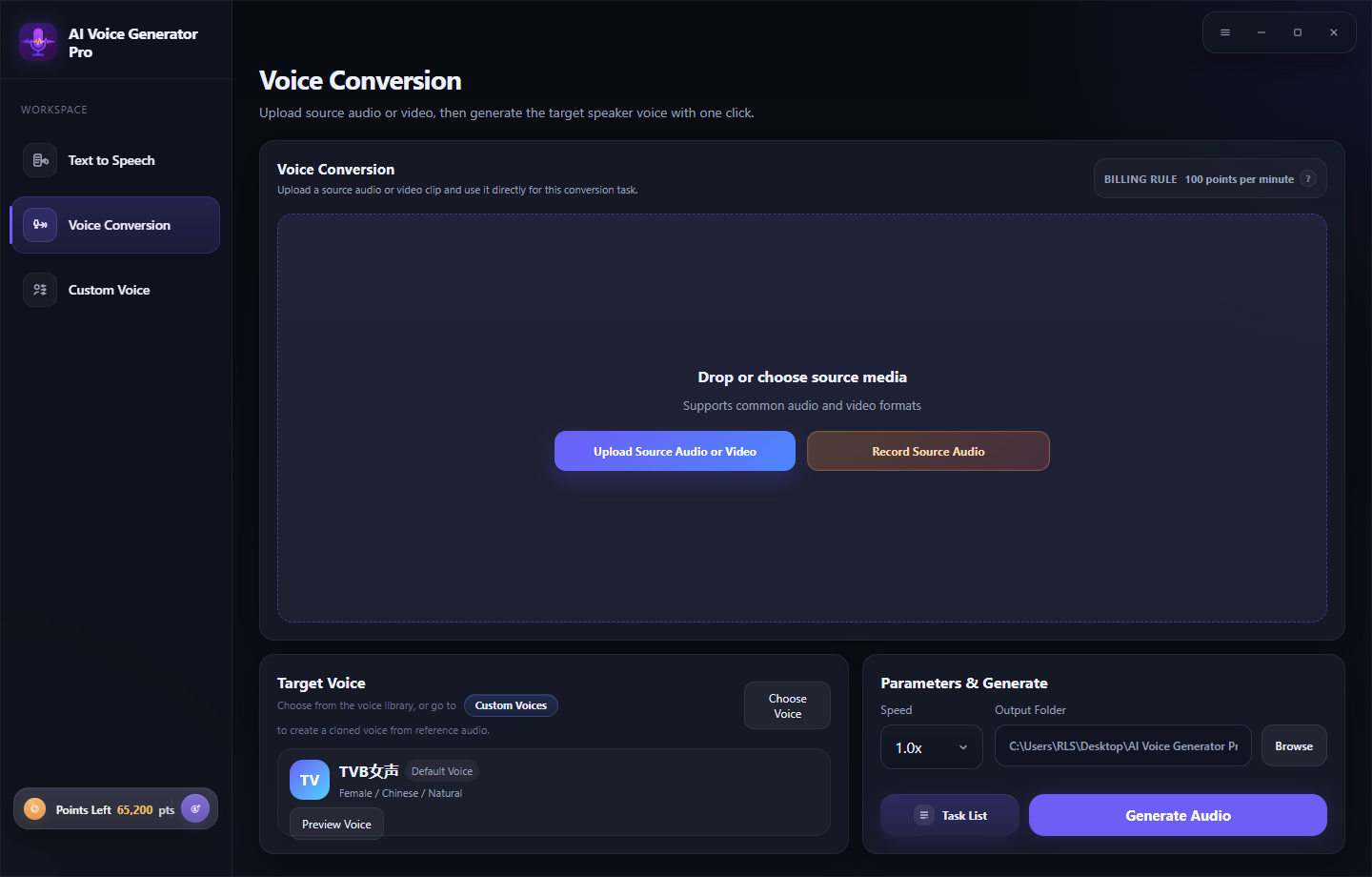
Voice Conversion
Upload source audio or video, then generate the target speaker voice with one click.
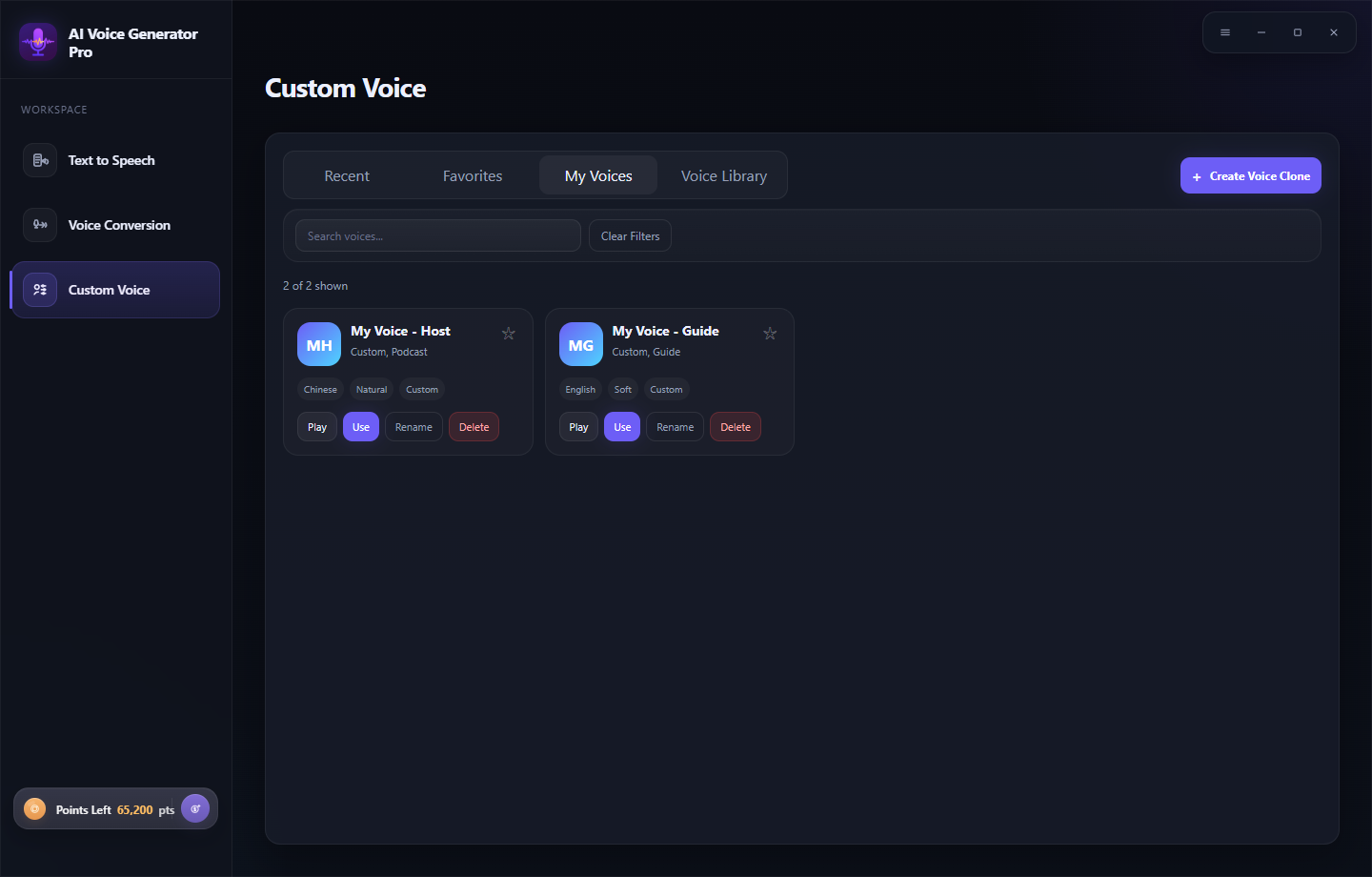
Custom Voice
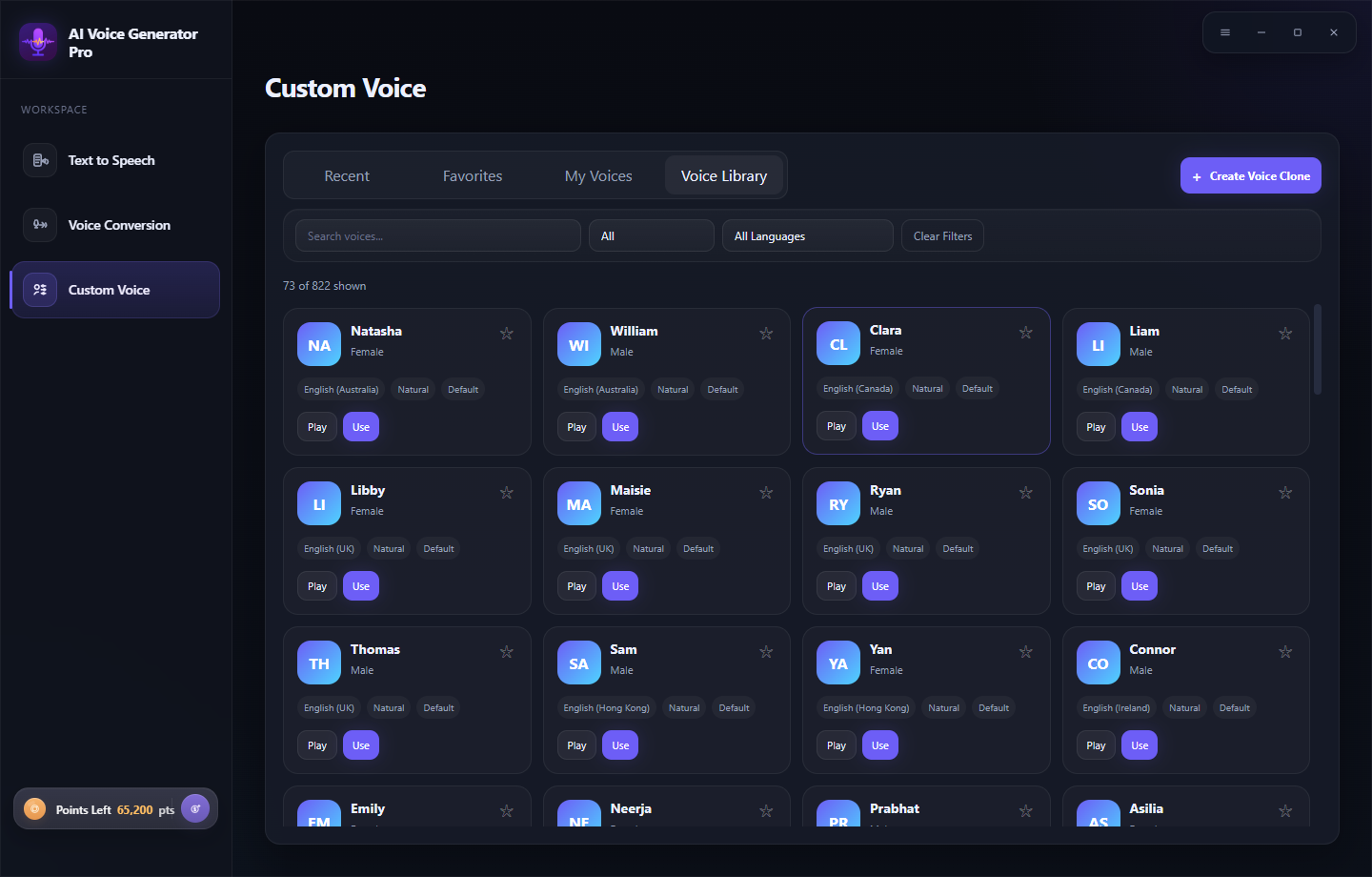
You can select directly from your recently used voice characters, or choose your favorite voice from the Favorites, My Voices, or Voice Library lists. You can also create a voice clone.
Step 2: Enter Voice Content
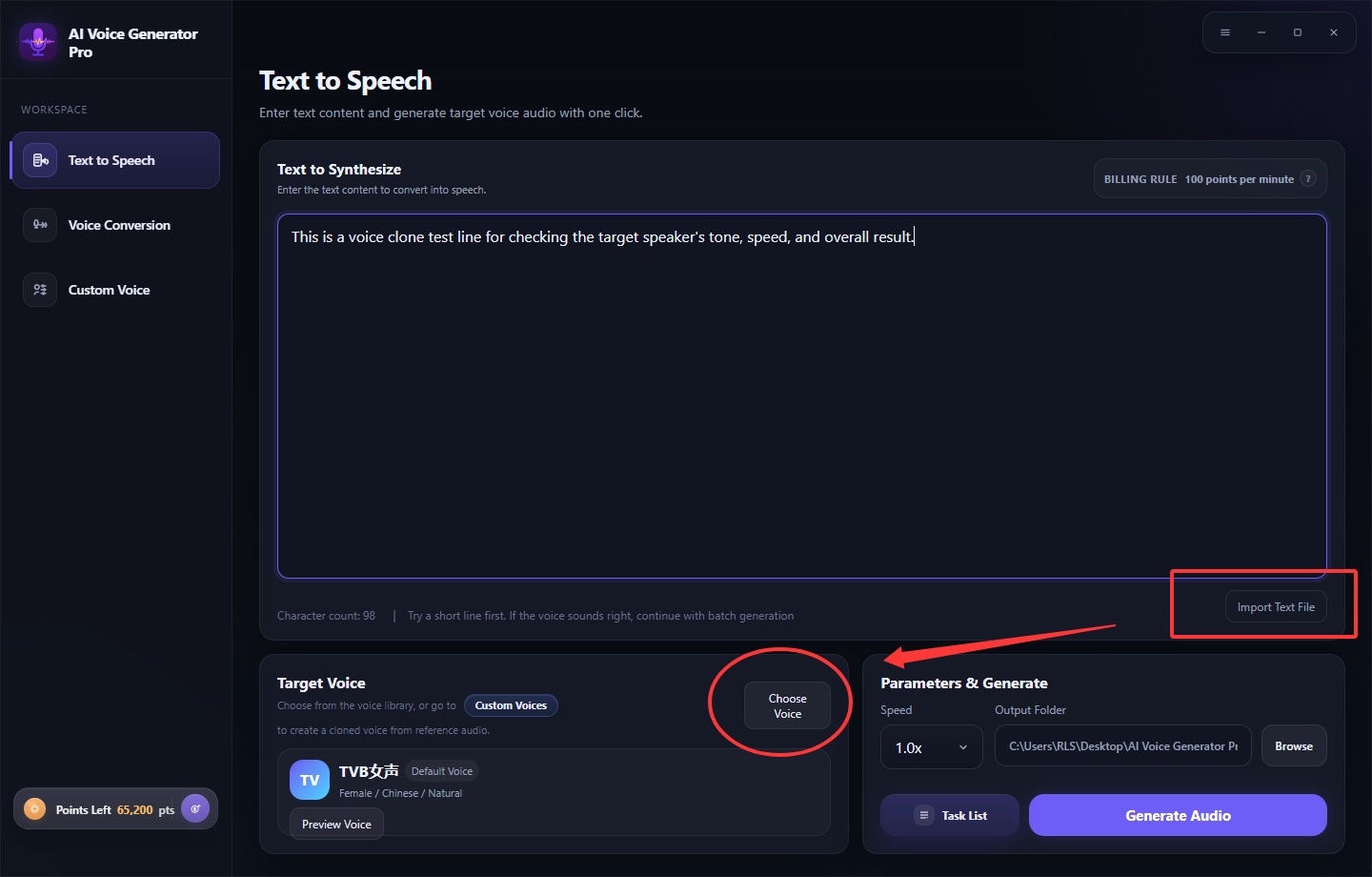
Enter the text content to convert into speech or you can import Text file and then Choose from the voice library, or go to create a cloned voice from reference audio.
Step 3: Start Generating Voice
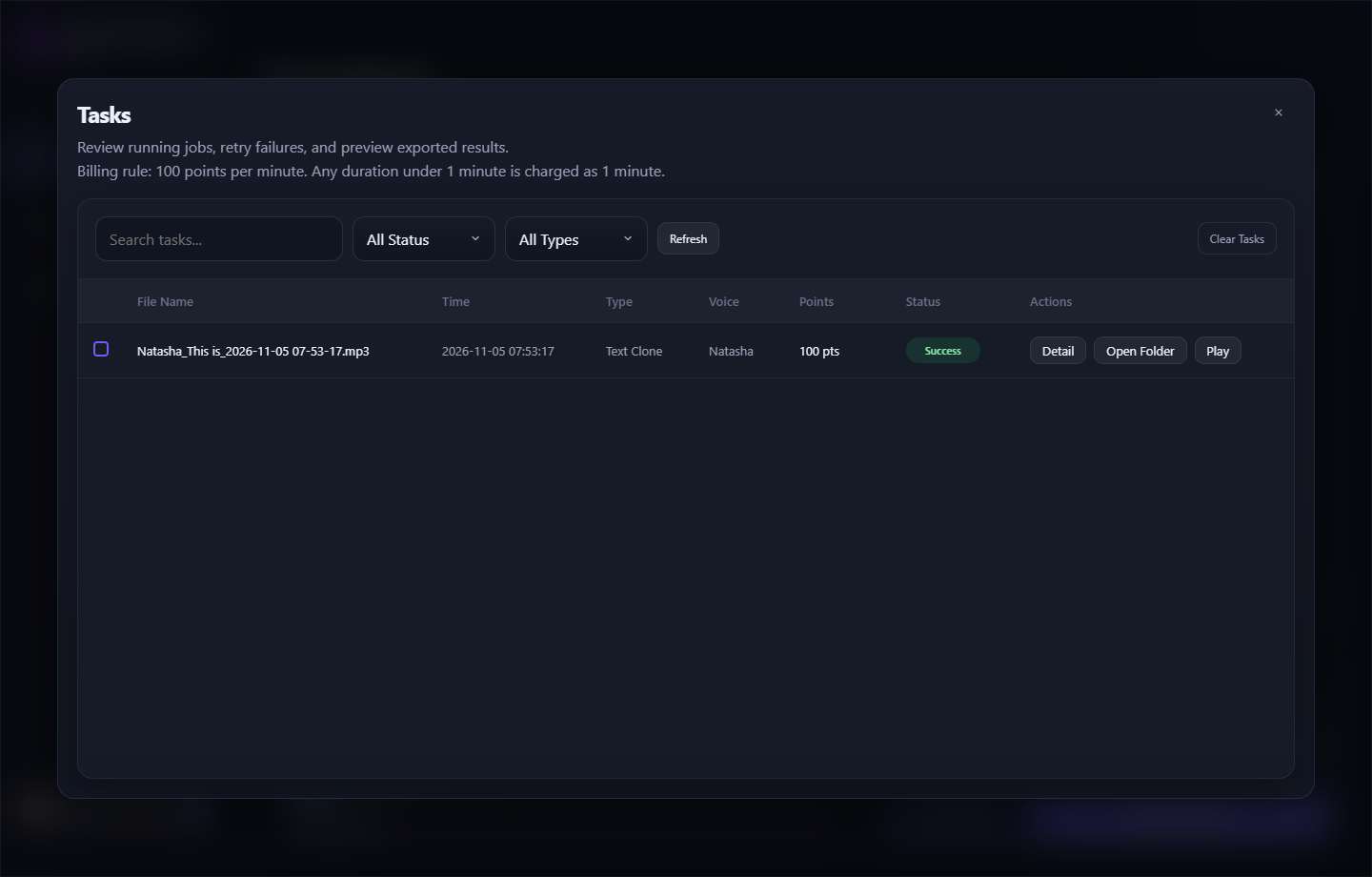
Click the "Generate Audio" button to begin generating specific voice You can click "Task List" to view the conversion progress.