AI Video Photo Face Swap Pro User Guide
Posted by Jerry
Please download, install, and run the AI Video Photo Face Swap Pro software on your computer.
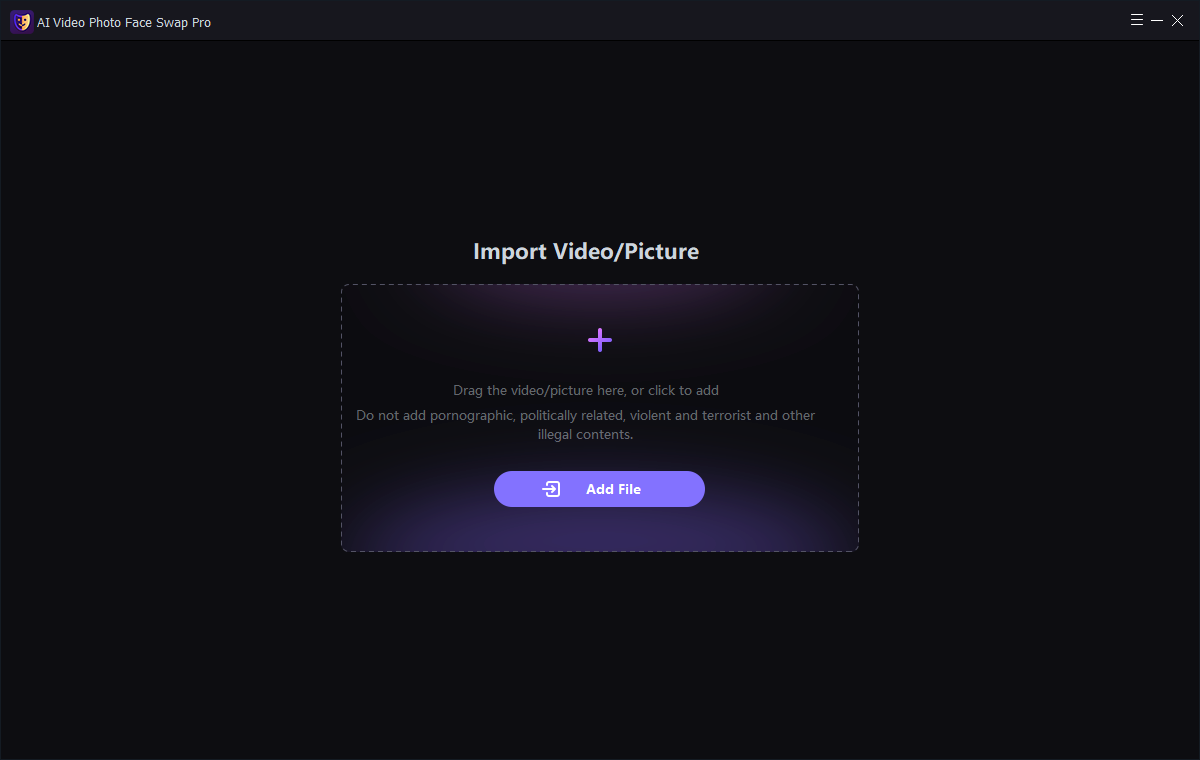
Step 1: Add Video/Image
Click the "Add File" button to import video or image files.
Note: If you are importing a video file, and the video length for which you want to remove the watermark is less than 1 minute, you can trim (by setting the start and end times of the video) the portion of the video content for which you want to remove the watermark. A video under one minute will cost 600 points, and a video under 30 seconds will cost 300 points. This software is best suited for short video creation.
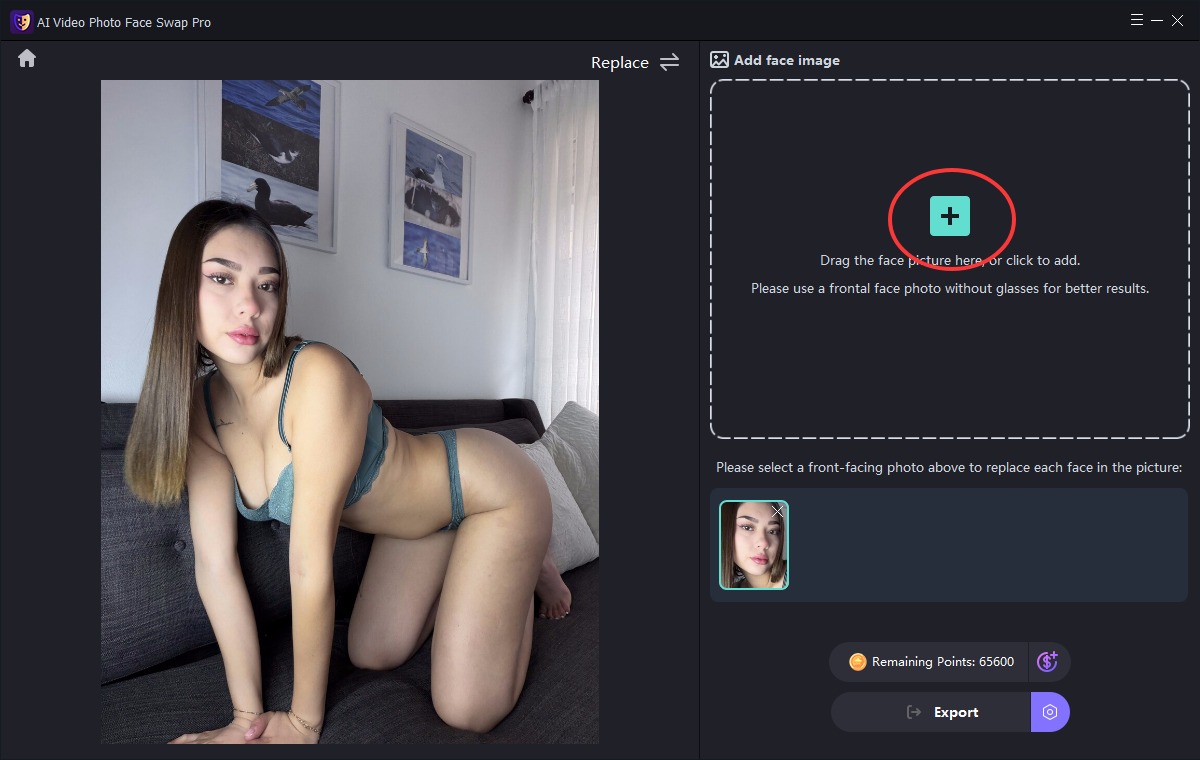
Then add the image whose face you want to swap.
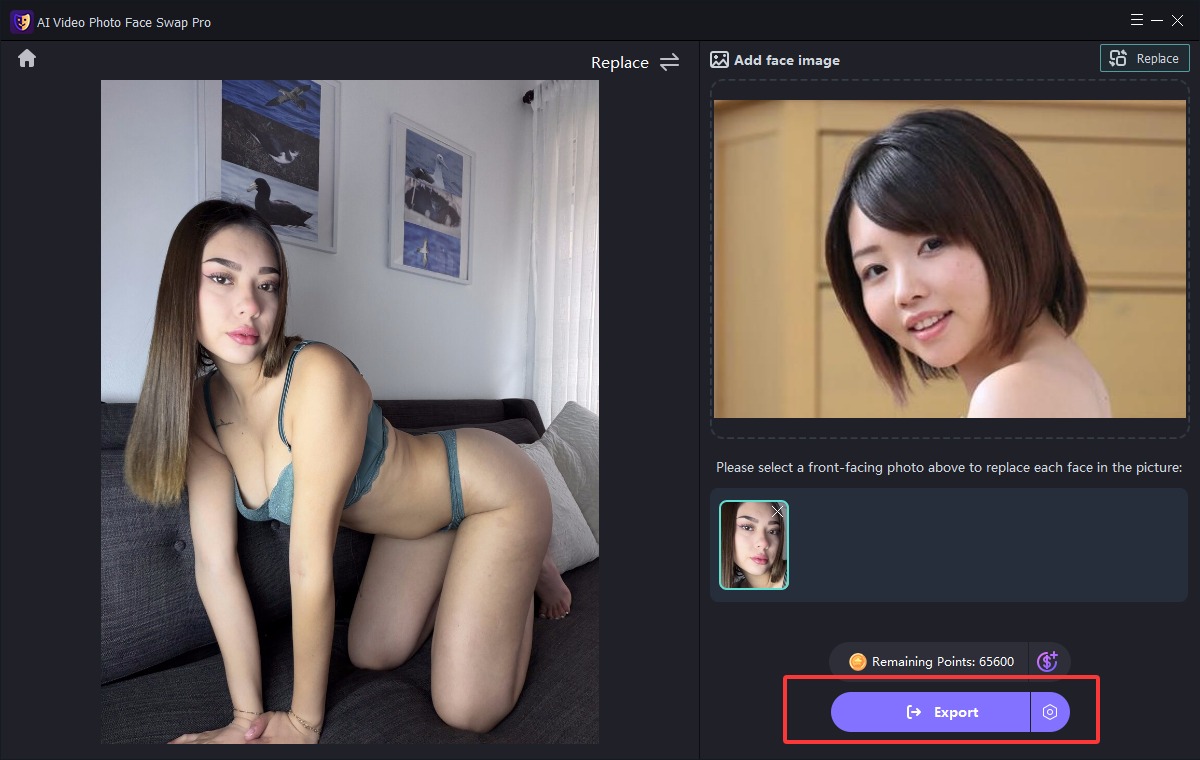
Step 2: Start Face Swap
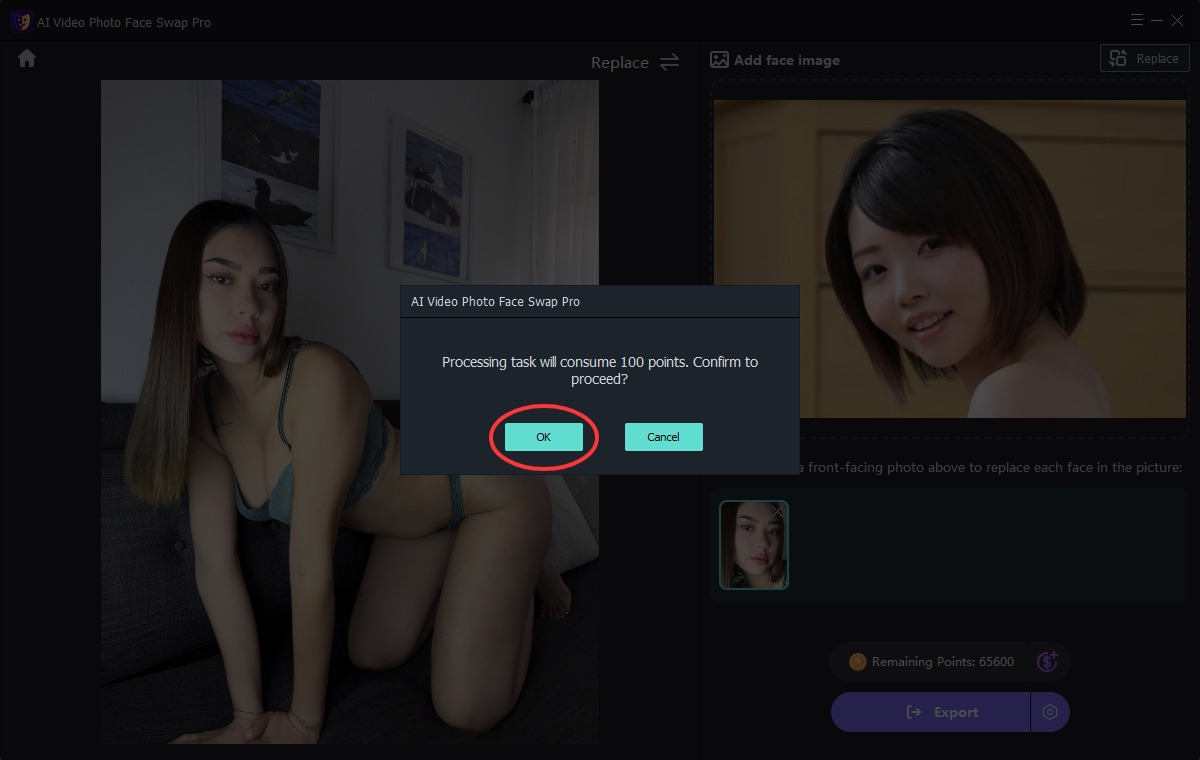
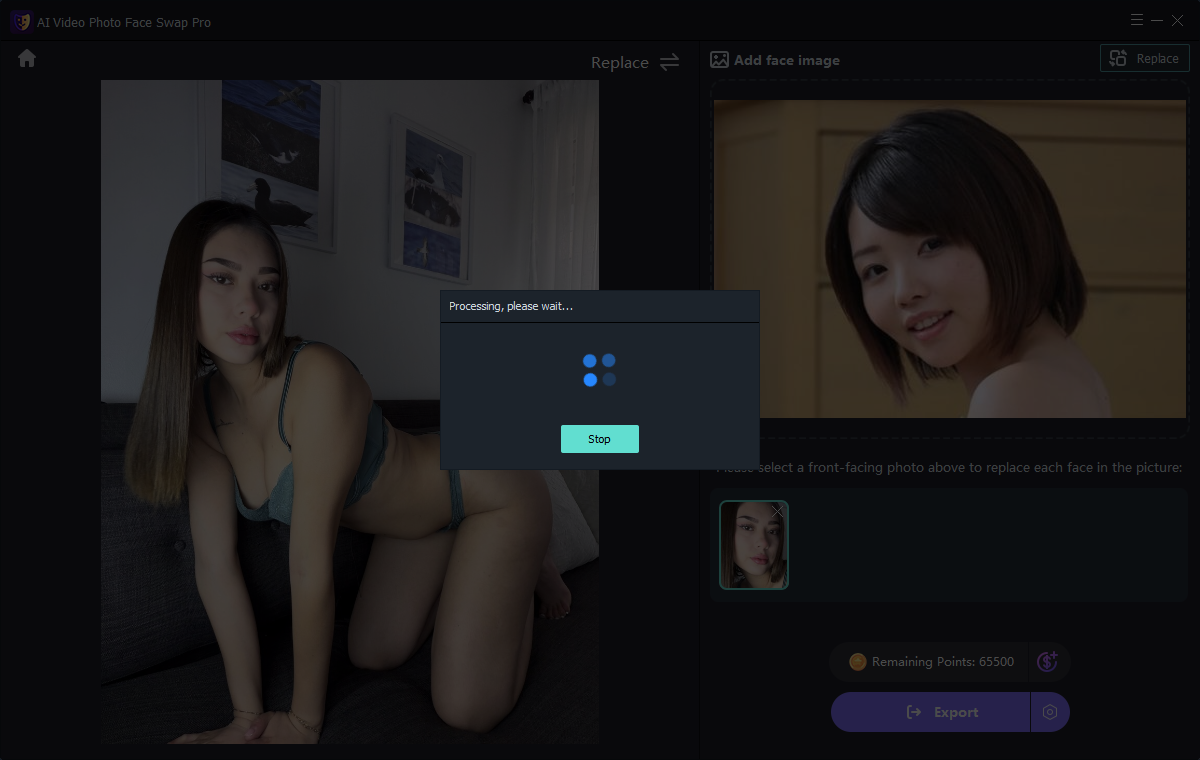
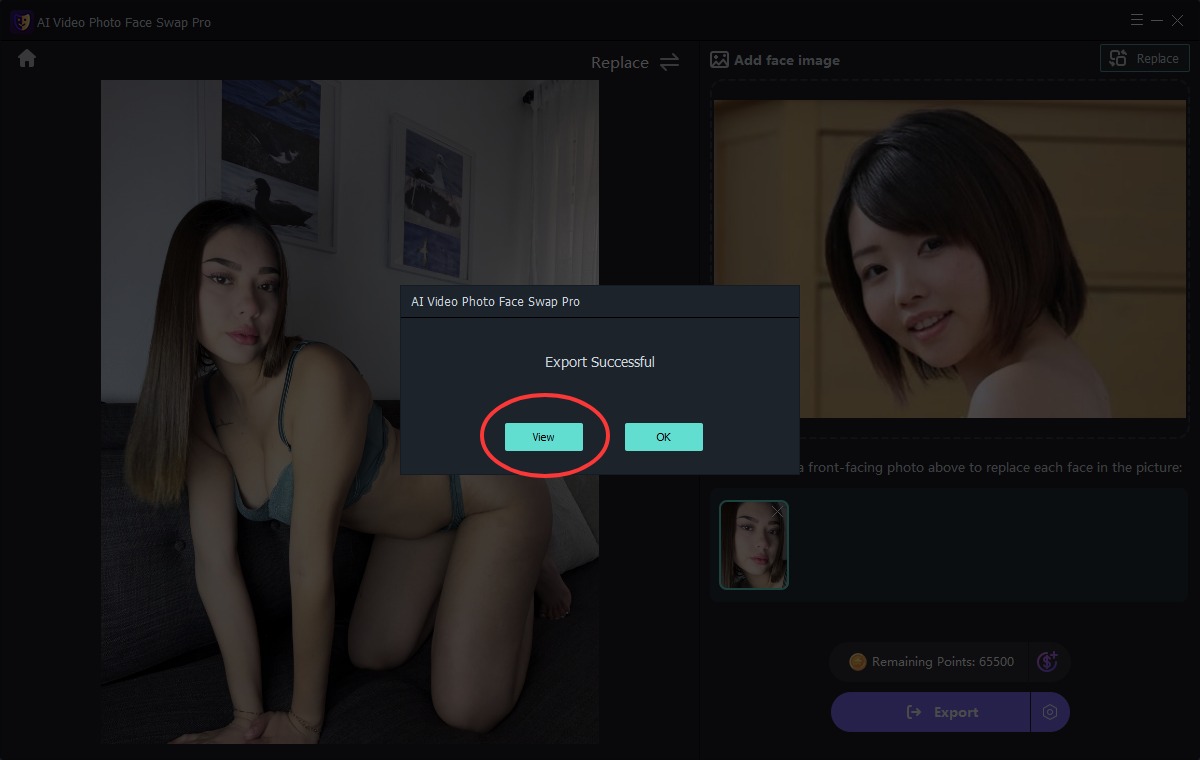
Click the "Export" button to perform the face swap.